
Surfing securely with style
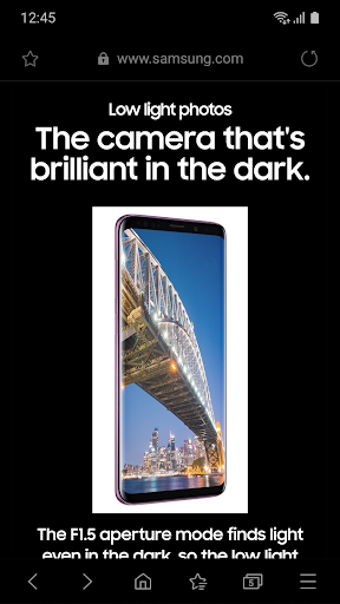
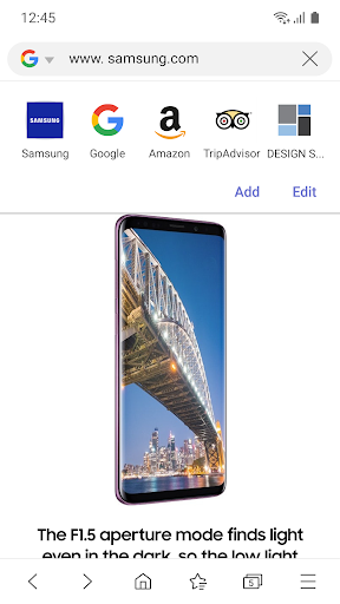
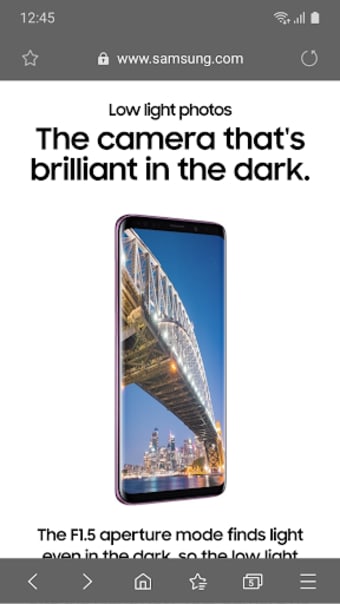
Samsung Internet Browser is a Chromium‑based mobile web browser developed by Samsung, designed to provide a fast, secure, and rich browsing experience on Android devices, especially Samsung Galaxy phones and tablets. While many users default to Google Chrome, Samsung’s option has carved out its own path with tools aimed at privacy, performance, and usability that rival and sometimes surpass competing mobile browsers.
Top Recommended Alternative
Samsung Internet Browser stands out as a privacy‑oriented mobile browser that pushes beyond basic browsing with advanced tracking protection, biometric security options, and tools for organizing and enhancing your web experience.
Less Visual Clutter For Everyday Browsing
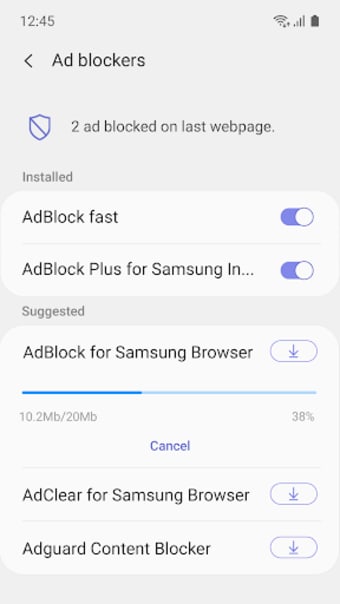
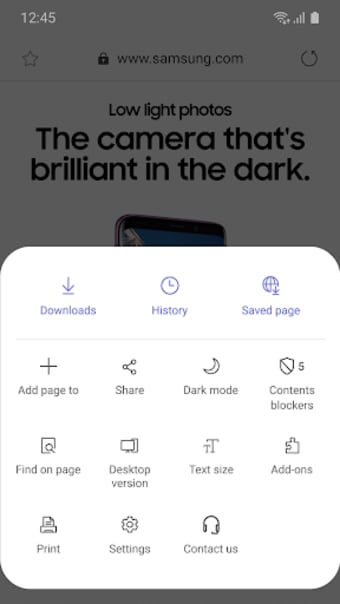
Samsung Internet Browser delivers smooth page loading, intuitive navigation, and a suite of browsing controls that make exploring the web straightforward. It supports add‑ons, including ad blockers and translators, and features, such as Secret Mode, an enhanced private browsing mode that doesn’t leave a trail of history, cookies, or cache, and can be locked behind a password or biometric authentication for extra security. Users also benefit from Smart Anti‑Tracking and HTTPS‑first browsing.
The Samsung Internet software features content-blocking features that allow you to view websites without being overloaded with adverts. The pop-up blocker is good, and the function that stops pages from creating new windows is both rare and valuable. However, you need to install apps to use the blocking functions. The software is very secure and highlights reading mode and a saved pages mode.
A consistent and reliable browsing experience
One of the best aspects of the Samsung Internet software is that it is built with Virtual Reality in mind, allowing 360-degree and 3D streaming. With a single click, you may find your favorite websites, and the content cards recommend websites and media that you may enjoy. This software is the only type of browser that can be used during ultra-power saving mode.
The Samsung Internet 17.0 update offers several improvements, placing privacy and organization at the forefront. Smart Anti‑Tracking is now enabled by default, offering stronger protection from third‑party tracking. The update also improves search functionality within bookmarks, history, and saved pages with typo‑tolerant and phonetic search matching, and introduces custom tab groups to help users organize multiple open pages more efficiently. However, it remains behind Chromium engine updates, which lead to post-update bugs and performance inconsistencies.
A secure and feature-rich browser for everyday use
Samsung Internet Browser proves itself as a powerful mobile browser built for privacy, convenience, and user control. With strong anti-tracking features, biometric-secured private mode, add-on support, and a clean interface, it offers a polished browsing experience suited for both casual users and power users. The latest update improves organization and privacy even further, although delayed Chromium updates and occasional bugs still hold it back slightly from perfection.